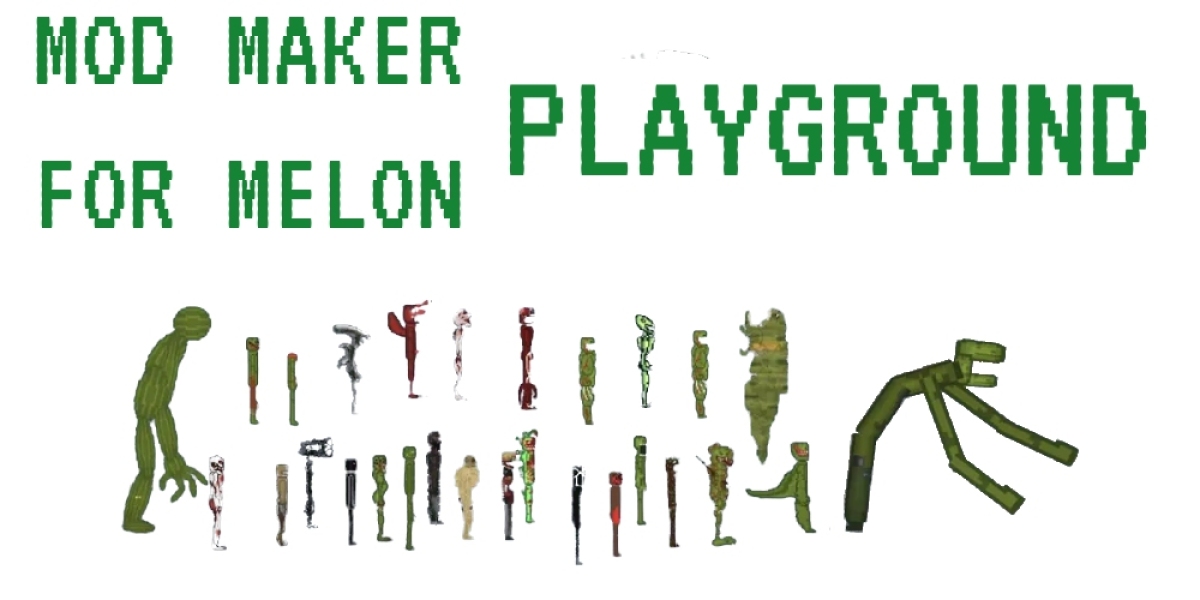

This is Melon Playground , a title that has quietly become a staple for fans of the "sandbox" genre.
Unlike traditional games with levels, bosses, or a narrative arc, Melon Playground offers something far more primal: a blank canvas and the laws of physics. Whether you are playing the browser-based version during a quick break or diving deep into its mobile counterpart, the game serves as a digital laboratory where the only limit is your imagination (and perhaps how much chaos your CPU can handle).
What is Melon Playground?
At its core, Melon Playground is a 2D physics simulation game. It belongs to a sub-genre often referred to as "ragdoll sandboxes." If you remember the classic People Playground or even the early days of Garry’s Mod, you will feel right at home here.
The game presents you with a stark, open space and a menu full of items: characters (Melons, Pumpkins, Corn, and Apples), melee weapons, firearms, explosives, vehicles, and mechanical tools. There are no points to earn and no "Game Over" screens. Instead, the "win condition" is simply the satisfaction of seeing how different objects interact with one another.
Two Ways to Play: The Creative and the Destructive
What makes Melon Playground so engaging is that it caters to two very distinct styles of play.
1. The Laboratory of Destruction
For many, the initial appeal of the game is its cathartic nature. The physics engine is remarkably detailed; characters react realistically to force, heat, and impact. You can set up elaborate Rube Goldberg machines of mayhem—a landmine that triggers a fan, which blows a character into a wall of spikes, which then ignites a fuel barrel.
There is a strange, dark humor in watching the pixelated "Melon" characters navigate these hazards. Because the characters are fruits rather than humans, the game maintains a lighthearted, "cartoon violence" feel that focuses more on physics than realism.
2. The Engineer’s Workshop
Once the novelty of explosions wears off, most players discover the deeper side of Melon Playground: the building mechanics. The game provides a suite of mechanical tools like ropes, metal rods, motorized wheels, and sensors.
Experienced players use these to build functional contraptions. I have seen everything from working elevators and tanks to giant walking robots and even simulated computers. This side of the game requires patience and a basic understanding of logic and weight distribution. It transforms the game from a simple time-killer into a genuine engineering puzzle.
Getting Started: A Brief Guide to Gameplay
If you are opening Melon Playground for the first time, the interface might seem a bit overwhelming. Here is the basic flow of how to interact with this world:
Spawning: Use the sidebar to select a character or object. Clicking on the screen drops that item into the world.
Interaction: You can click and drag any object to move it. If you grab a character's limb, the rest of the body follows with realistic ragdoll physics.
The Context Menu: Double-clicking (or long-pressing) an object opens a vital menu. This allows you to rotate items, resize them, "freeze" them in mid-air, or change their layer so they pass through or collide with other objects.
Wiring and Connecting: To build something, you need to link items. Use the "wires" tab to select different types of connections—fixed welds for stability, or ropes and springs for movement.