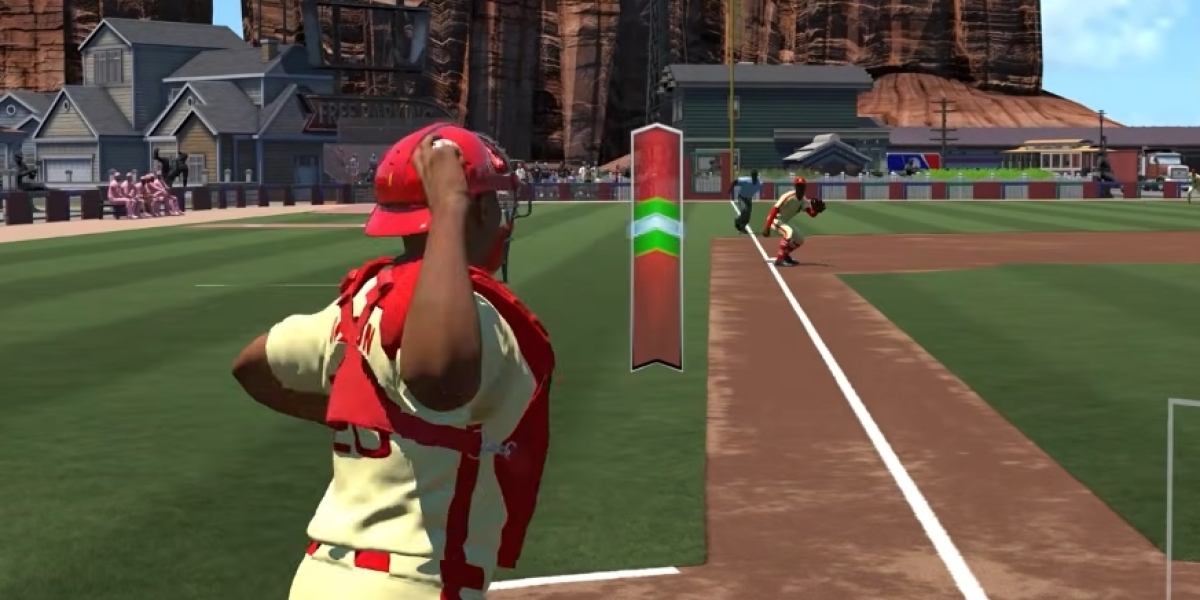

Franchise Mode in MLB The Show 26 is one of the most engaging ways to play, but getting the settings just right is crucial to balancing both realism and gameplay efficiency. Whether you're managing your favorite team or building a dynasty, optimizing your settings can make all the difference in creating a smooth and enjoyable experience. Here’s how you can fine-tune your Franchise Mode settings for the best results.
Recommended Gameplay Settings
These settings help you maintain control over your team while ensuring the game remains both fun and challenging.
Hitting Interface: Zone
This is the best interface for players who want full control over their swing. You can precisely adjust the Plate Coverage Indicator (PCI) to match the pitch's location. If you find Zone too difficult, consider switching to Fixed Zone, where the PCI stays in place once you position it, or Big Zone for a more forgiving experience.
Plate Coverage Indicator (PCI):
- Style: Bat or Diamonds (Center) for optimal visibility.
- Sensitivity: Max for the highest precision and freedom of movement.
- Color/Opacity: Yellow or Cyan at 60-70% opacity so that the PCI stands out against various stadium backgrounds.
Pitching Interface: Pinpoint
While it has a steep learning curve, Pinpoint is the most accurate and rewarding pitching interface once mastered. It gives you the best control over pitch placement, and for players looking for a more immersive experience, this is the go-to setting.
Throwing Interface: Button Accuracy
This setting makes your fielders' skills and your timing more important. Perfect for players who want to ensure that fielding success is based on their gameplay, rather than relying on automatic systems.
Fielding: Turn Throw Canceling to On
This helps you recover from accidental inputs. If you accidentally throw to the wrong base or miss the mark, you can cancel it and avoid costly mistakes, which adds a level of control to your defense.
Franchise Management & Realism
Achieving a balance of fun and realism requires thoughtful decision-making when it comes to managing your team.
Scouting & Finances:
For new players or those who want to focus more on gameplay than micromanagement, set CPU Assistance to Auto for scouting and finances. This allows you to focus on player development and game strategies while the CPU handles the nitty-gritty details. If you’re more experienced, consider handling these aspects manually for a deeper experience.
Contract Strategy:
Signing young stars to long-term contracts early on can save you money in the future and help you build a sustainable team. Locking up key players before they reach their peak ensures budget flexibility, especially when you need to re-sign veterans or make major roster changes.
Pacing the Season:
Don’t feel obligated to play every game in a 162-game season. Many experienced players prefer to play one game per series, like the series opener or a key pitching matchup. This way, you avoid the grind and still get to enjoy the intensity of the postseason by playing every game manually. Use the simulation options wisely to keep things fresh and engaging.
Authenticity:
To get a true GM simulation experience, bump up the difficulty to Hall of Fame or Legend. This ensures that your team's performance is based more on their attributes and your ability to make the right decisions rather than just your skill level.
Bullpen Management:
Turn Auto Bullpen Warm-Up to On to make sure your pitchers are always ready to go when you enter a game. This setting helps you avoid scrambling to warm up pitchers in tight situations and keeps your bullpen fresh throughout the season.
Performance & Visuals
Optimizing visuals and performance settings ensures a smooth experience, especially when managing your team or playing in critical moments.
Refresh Rate:
If your monitor supports it, set your console output to 120Hz to reduce input latency, even though the game might cap at 60 FPS. This ensures smoother gameplay and more responsive controls.
Hitting View:
The Strike Zone camera view is the preferred choice for competitive play. It offers the clearest view of the pitcher’s release point, making it easier to track pitches, especially during high-stress situations.
Controller Vibration:
For players who prefer a more focused experience, turning Controller Vibration Off helps you stay concentrated during critical PCI or Pinpoint movements. Vibration can be a distraction, especially when you're trying to make perfect adjustments.
Optimizing Franchise Mode settings in MLB The Show 26 is all about finding the right balance between control and realism. By adjusting your gameplay, management, and visual settings, you can create a more immersive and enjoyable experience that suits your style. Whether you’re building a dynasty or simply enjoying the thrill of competition, these settings will enhance your gameplay and make every decision count.